
Channel profiles
Keep each channel’s topics, settings and production workflow in its own profile.
From an idea to a video: organise your channels, work with AI tools and manage production in one desktop workspace.
Windows first · Customer release in final testing
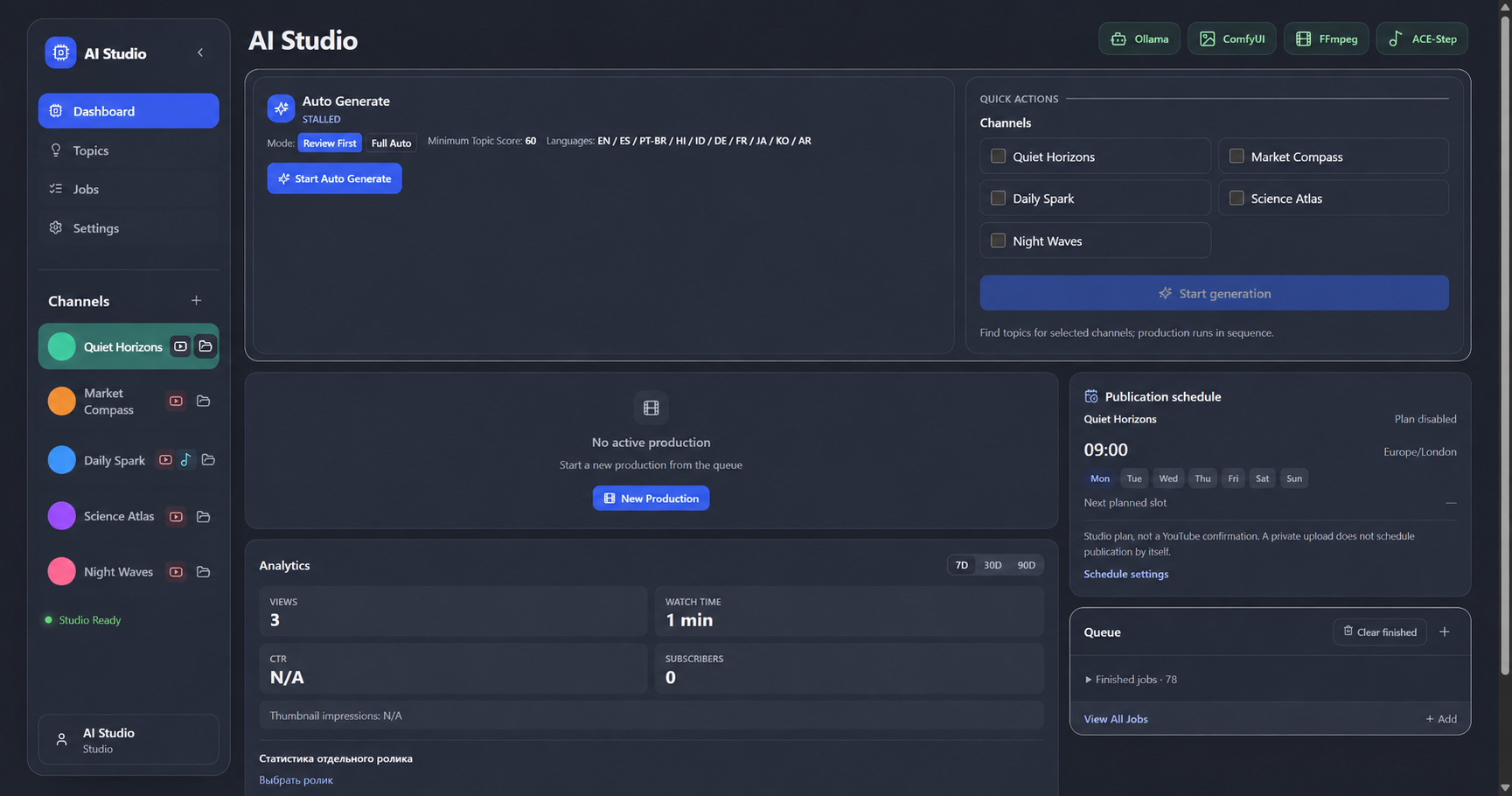
A connected workspace for the everyday steps of video production — with you in control of what gets published.
Keep each channel’s topics, settings and production workflow in its own profile.
Develop topics and work on scripts as part of the production pipeline.
Connect image and voice tools to prepare the assets your video needs.
Manage video and Shorts jobs, rendering and output from one production queue.
Work with ACE-Step for music generation. Long-form music production is still being validated.
Connect your channel to view available analytics. Google authorisation is required; some metrics may be unavailable.
Choose a channel, topic and brief.
Prepare scripts, voice and visuals with your configured tools.
Check the result and adjust your production settings.
Use your connected YouTube account and chosen upload settings.
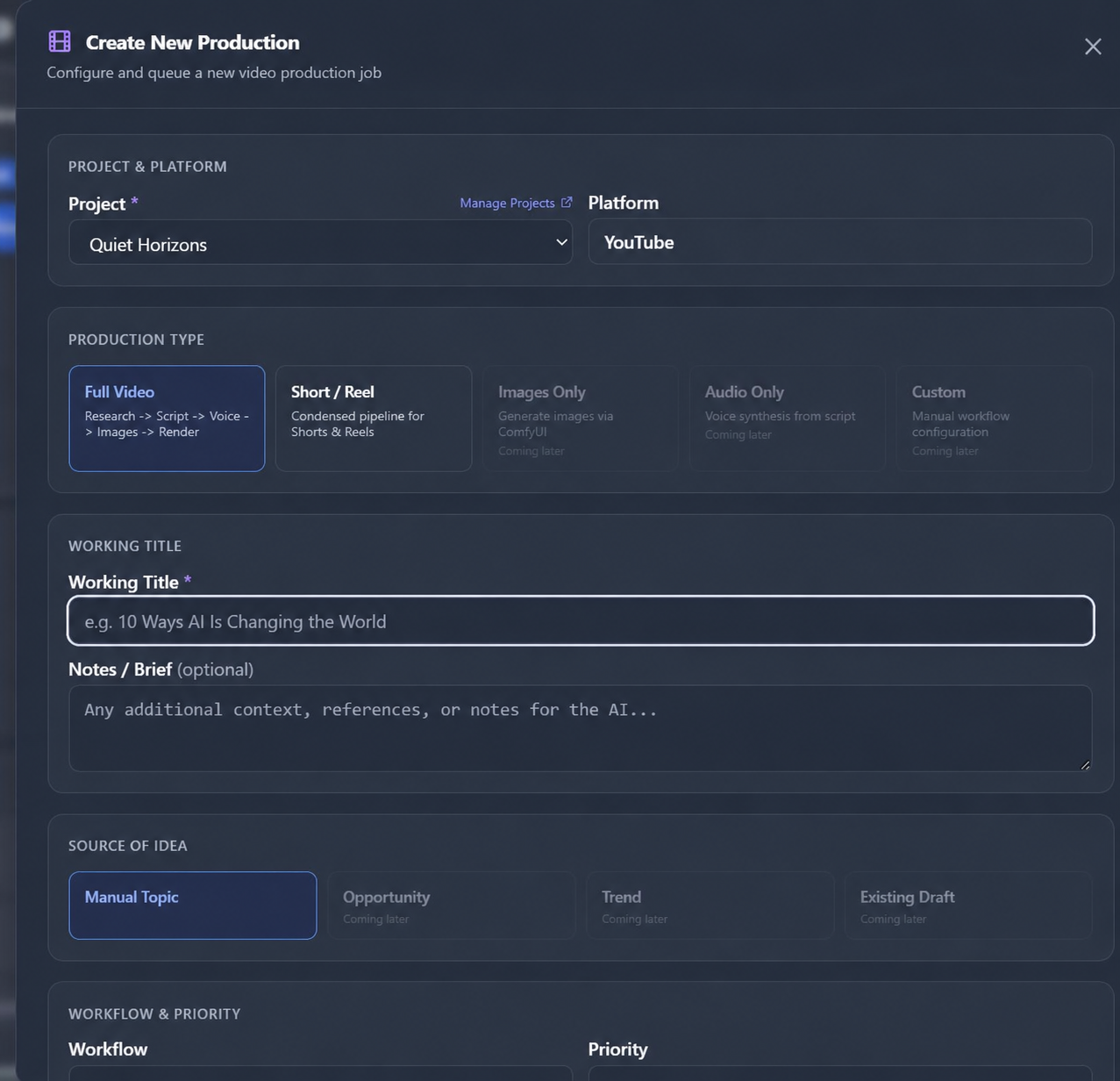
Screenshots of the current development build with illustrative channel names and avatars. The interface and feature availability may change before release. Click an image to view it at full size.
AI Studio brings the production process together, so you can spend more time shaping your content.
Sales are not open yet. This button does not take payment or issue a license.
Not yet. We are finishing customer installation and end-to-end tests. Checkout and final sale terms will be added here when sales open.
No. Some modes and integrations are still being tested. The final release feature list will be confirmed before purchase; preview screenshots are not a guarantee of availability.
No. Studio is a production tool. You remain responsible for reviewing content, model licenses and the rules of each publishing platform.
Contact support@minifoxlabs.com for product and release questions.
support@minifoxlabs.com ↗